I created a Windows batch script to upgrade and oracle database from 12.2 to 19.23 on Windows platform. The main script line is the following line (which is the main command to upgrade the Oracle Database):
%ORACLE_19C_HOME%\bin\dbupgrade1 -n 4 >> %LOG_FILE% 2>&1
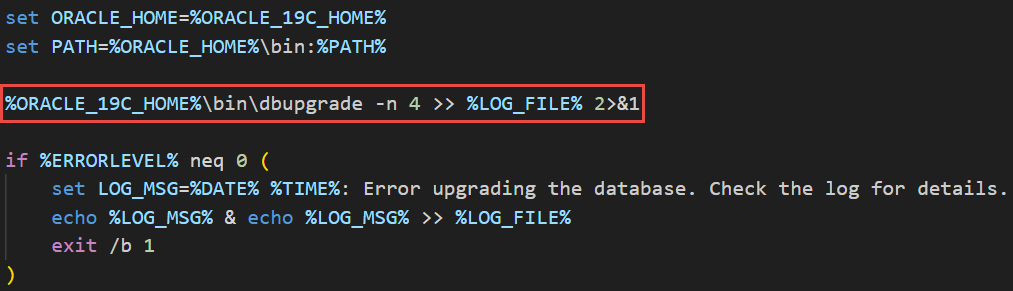
But when running the script, the script is error out when executing the above line, with the following error:
The system cannot find the batch label specified – execute_task
I tried the following workarounds from many posts there in the Internet, but all of them failed to fix my issue:
** I tried unix2dos utility to ensure the line endings are correct.
** I added space in the dbupgrade.cmd script at the end of each label.
** I changed the label of the main block from :main to :main1 to avoid conflict with the :main block inside the dbupgrade.cmd.
Final Solution:
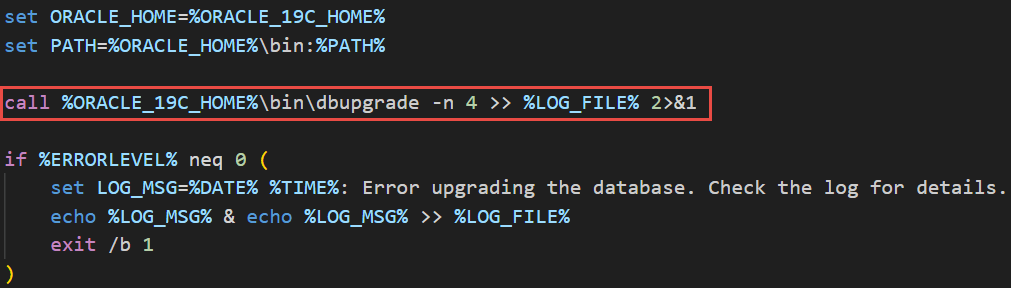
After allot of research, I found that adding a ‘call” keyword in the front of my command fixed the issue:
call %ORACLE_19C_HOME%\bin\dbupgrade -n 4 >> %LOG_FILE% 2>&1
 Ahmed AbdelFattah Blog !